App prototype for integrating online student services at Universidad Técnica de Manabí.

Role

Visual Design

Tools

Figma

Project Type

University App Concept (Unsubmitted)

Overview

Back in 2022, while at my last semester at university, I initiated the design of a mobile app as my final graduation project. It was meant to help fellow students manage academic tasks more efficiently. The concept aimed to streamline access to key university services such as course schedules, enrollment, academic requests, and notifications.

Although the project was ultimately cancelled and never developed, it served as one of my first full-cycle design experiences — from research and ideation to wireframing and component design in Figma.
Problem

Many students (myself included) found the university’s online systems fragmented and unintuitive, especially on mobile. Key actions like enrolling in courses, viewing schedules, or making official requests often required navigating outdated web portals.

I wanted to explore how a unified mobile app could improve this experience by centralizing these actions in a clean, intuitive interface.

Site Map

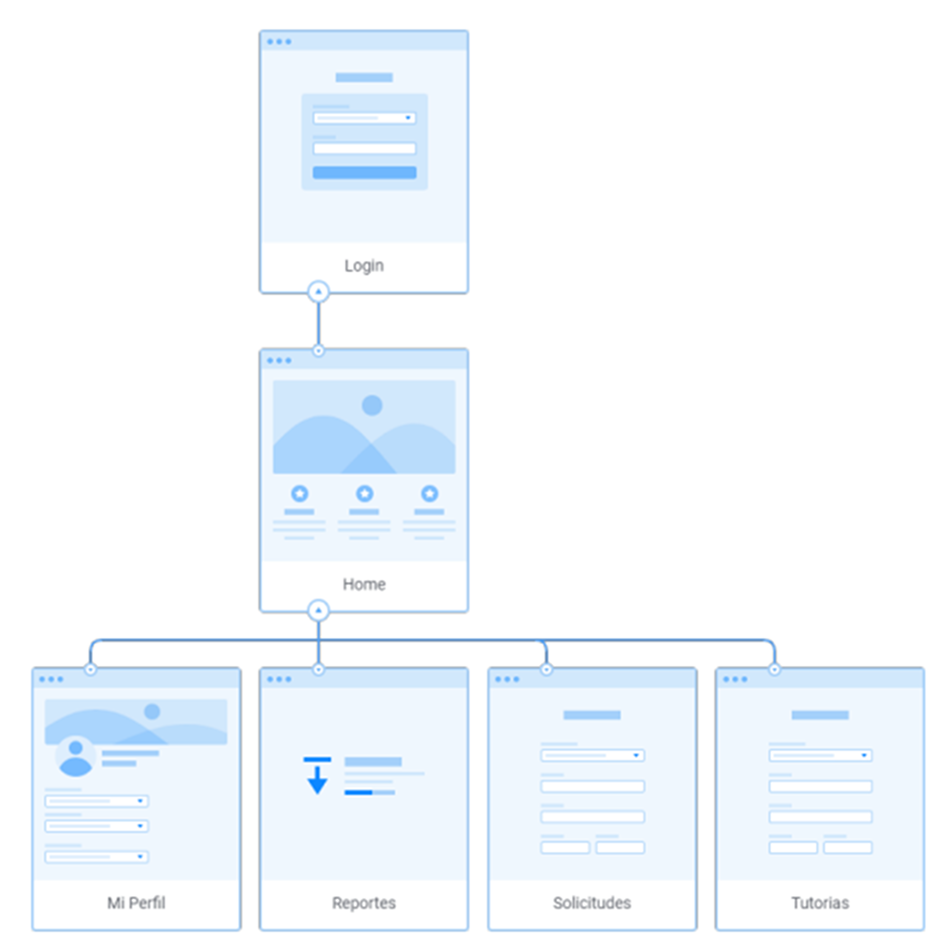
The app was organized into five primary sections:

  1. Login
  2. Home
  3. Mi Perfil
  4. Reportes
  5. Solicitudes
  6. T̶u̶t̶o̶r̶i̶a̶s̶

Note: Tutorias was not in the scope of the project development, but it was defined.

User Flow

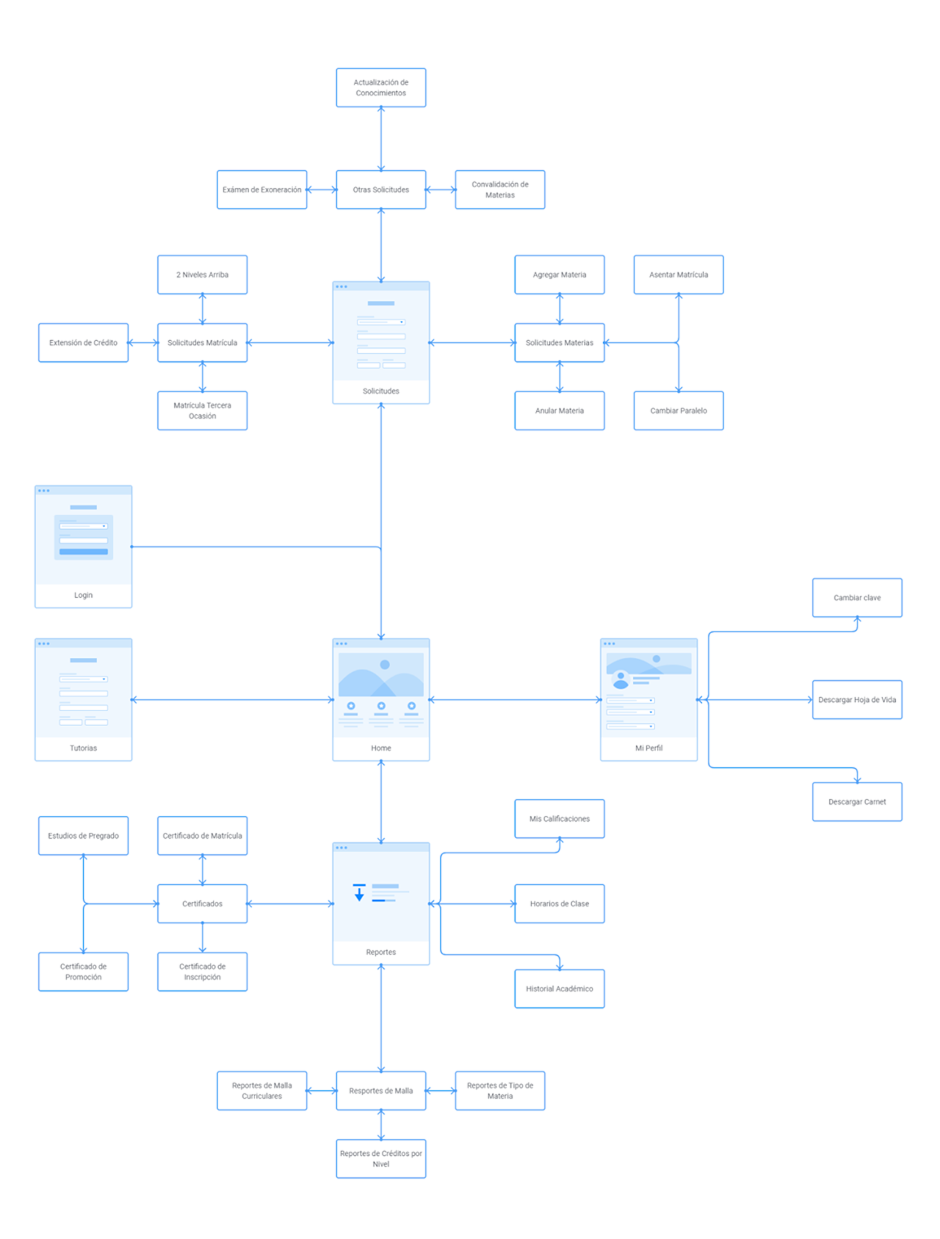
I created user flows to map out common journeys.

These flows helped define the screen structure and interaction logic for the prototype.

Design Process

This project followed a structured and iterative design process, beginning with low-fidelity sketches and evolving into a polished high-fidelity prototype. My goal was to create a user-centered experience that balanced clarity, functionality, and visual appeal.

From Wireframes to Interface

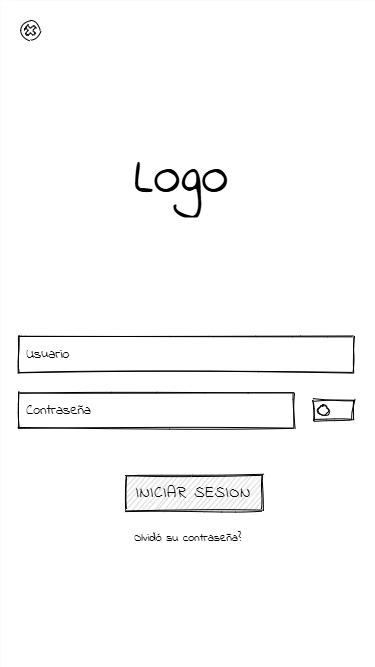
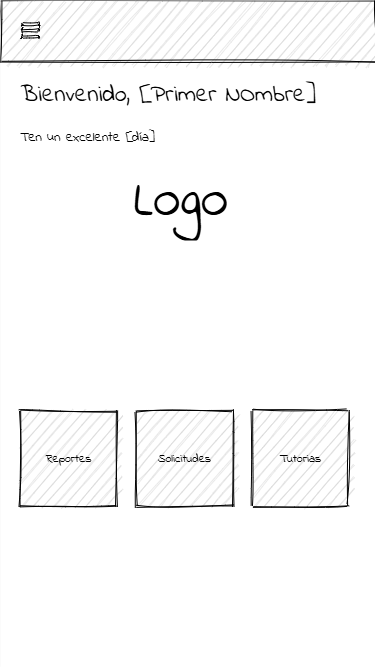
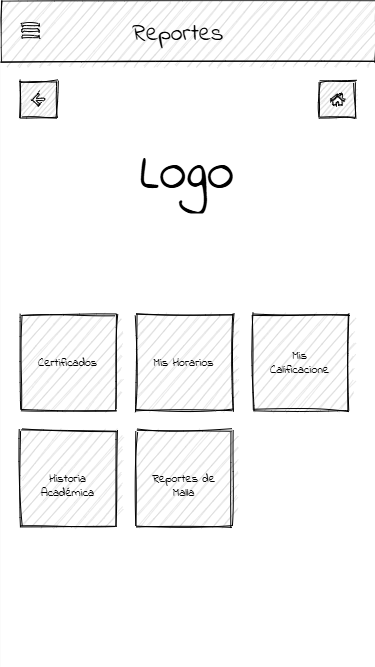
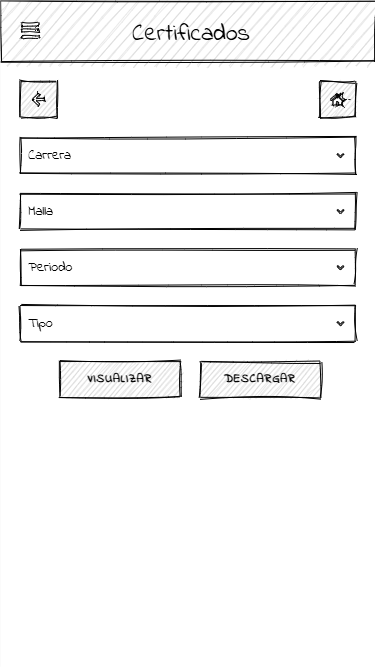
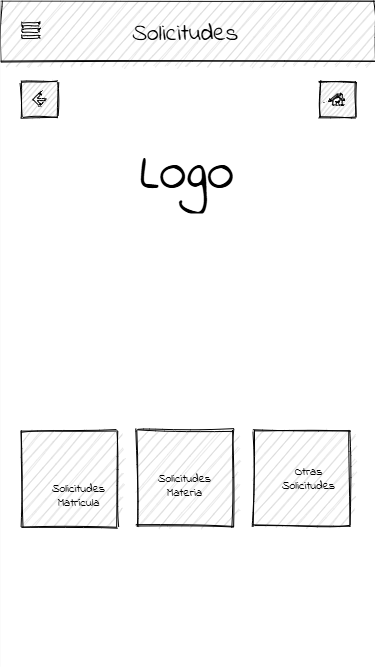
To kick off the design phase, I translated early research and ideas into rough visual concepts. These wireframes helped define the layout, core features, and navigation logic. Working in low fidelity allowed for quick iterations and feedback without getting caught up in visuals too early.

Once the structure was validated, I moved on to crafting a detailed high-fidelity prototype using Figma. The focus here was on visual hierarchy, consistency, and interaction flow, ensuring that the design aligned with usability best practices and real-world functionality.

Previews:

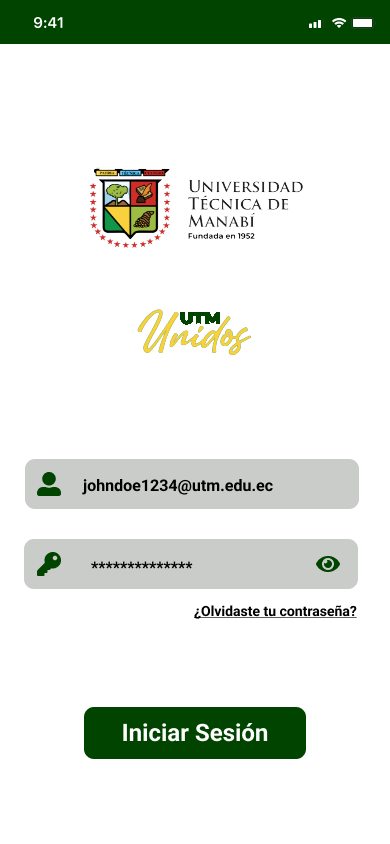
  • Login screen

    01.Login

    Login screen allowing students to securely access their account.

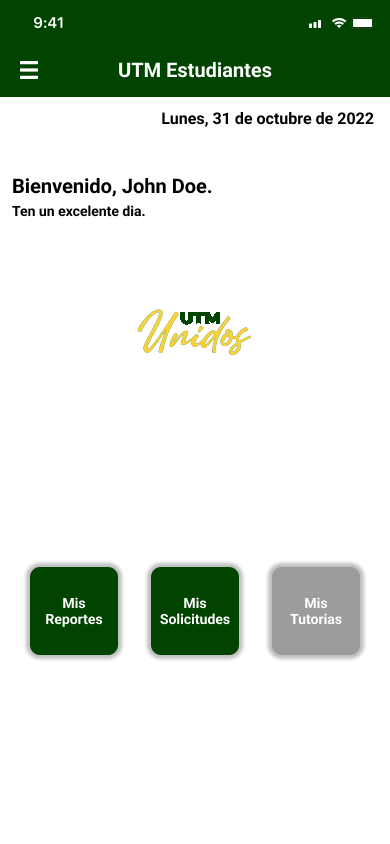
  • Home screen
    Home screen

    02.Home

    Central dashboard with a warming wecome note and quick access to key sections like Requests, Reports, and Tutoring.

  • Reports overview
    Reports overview

    03.Reportes

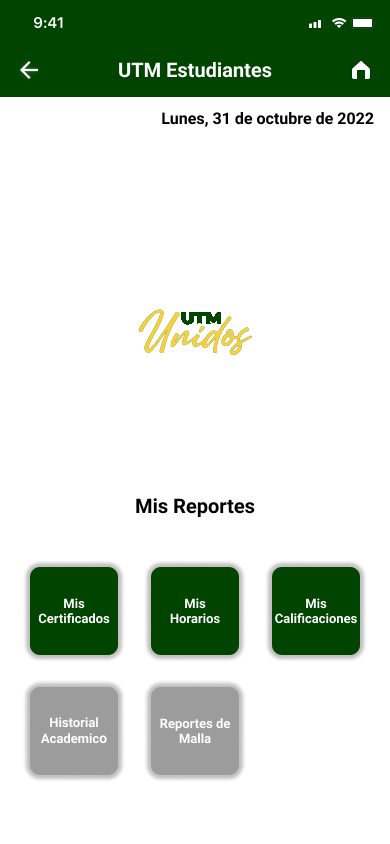
    Reports hub where students can access Certificates, Schedules, Grades, Academic History, and Career Curriculums.

  • Certificates overview
    Certificates overview

    04.Certificados

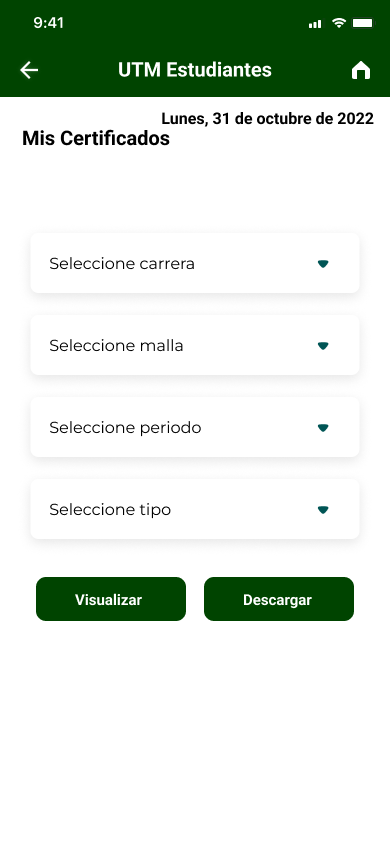
    Section to request various official university certificates (e.g. enrollment, ID, grades).

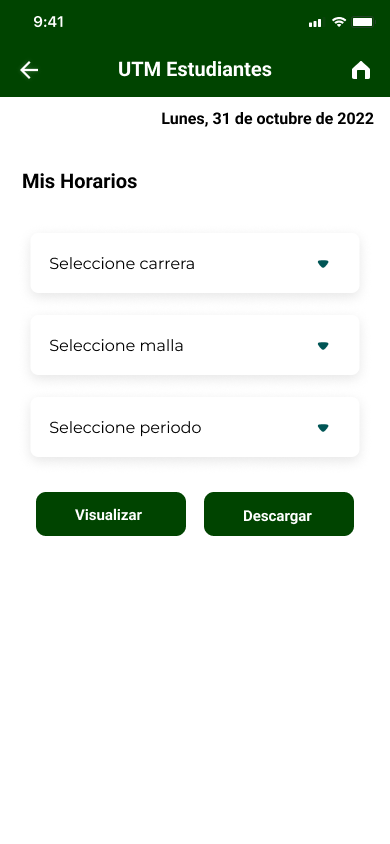
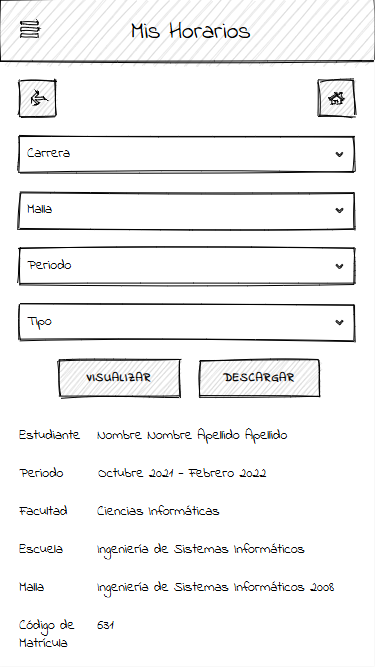
  • Schedules overview
    Schedules overview

    05.Horarios

    Weekly course schedule view, helping students plan and manage their academic time.

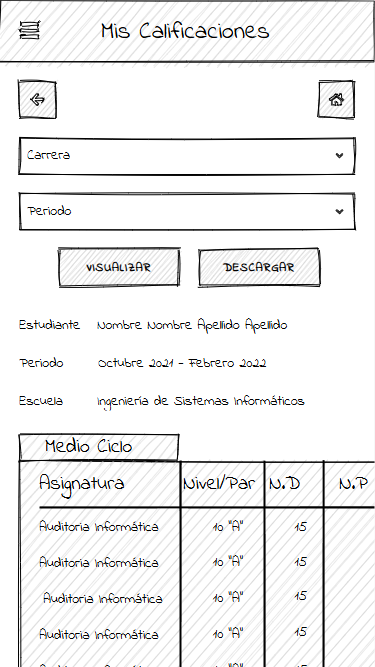
  • Grades overview
    Grades overview

    06.Calificaciones

    Section where students can review their grades for each subject by period.

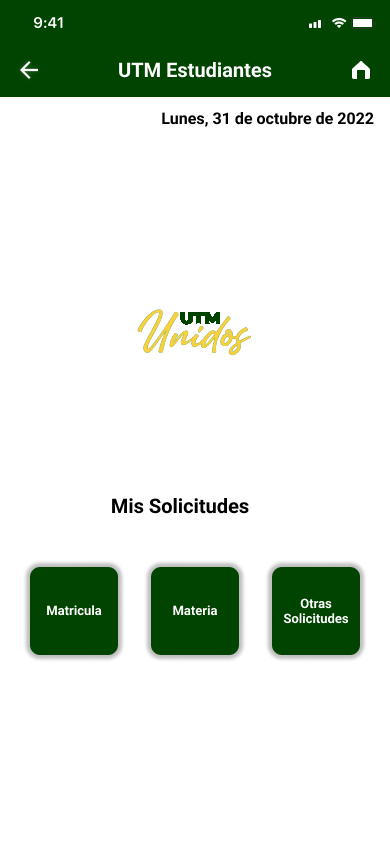
  • Enrollment request
    Enrollment request

    07.Solicitudes

    Allows students to submit academic requests (e.g. subject change, enrollment assistance, general procedures).

Reflection

While this was an early project in my journey, it was a key learning moment. I got hands-on experience with:

  1. Structuring user flows and sitemaps
  2. Designing components and building scalable UI systems in Figma
  3. Thinking from a user-first perspective
  4. Working with design constraints and prioritizing usability

Final Thoughts

Although this prototype was never built or submitted, it reflects my early passion for problem-solving through design. It helped me develop empathy for users and laid the foundation for how I approach UI/UX in my current projects as a web developer.